
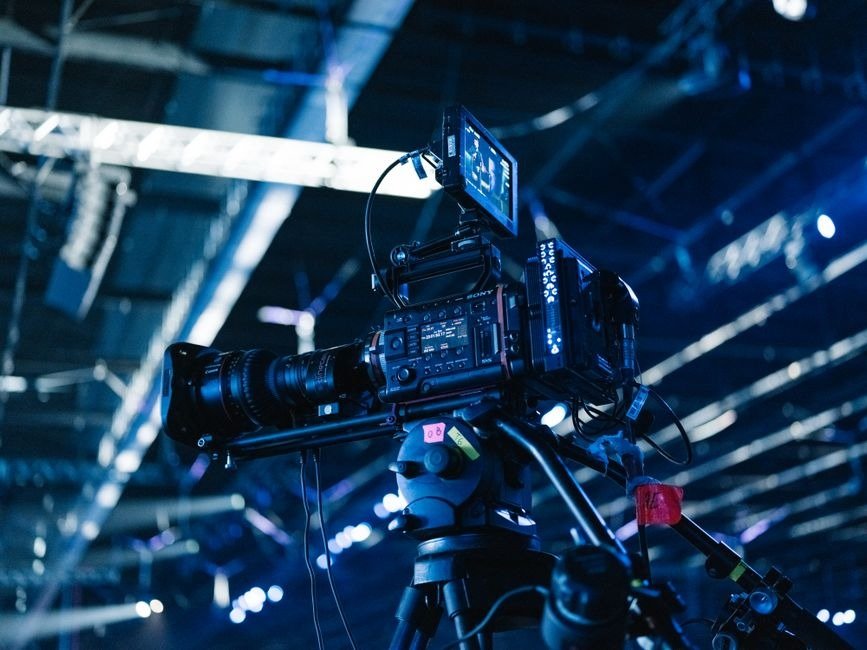
Why Texas Event Videography Services Are Worth Every Penny Texas event videography services cover a wide range of events, from corporate conferences and product launches to award ceremonies and private celebrations. Here is a quick overview of what to expect: What Texas event videography services typically include: Typical pricing in Texas: Coverage Type Duration Estimated Cost Hourly rate Per hour $150 to $275/hr Half-day coverage Up to 4 hours $1,500 to $2,500 Full-day coverage 6 to 10 hours $3,500 to $6,500 Multi-day summit Custom scope $7,500+ Your event happens once. There are no second takes. A professional videography team makes sure nothing important gets missed, and that the footage you walk away with is actually useful for your business long after the event ends. I’m Ashley Stone, founder of Kickin’ It Media Group in Keller, Texas, where I help small businesses build their brand through content, photography, video, and local marketing strategy, including connecting them with the right Texas event videography services for their goals. Read on for everything you need to know before you book. Why Your Business Needs Professional Texas Event Videography Services When you host a business event, whether it is an intimate workshop in Roanoke or a massive industry convention in Fort Worth, you are pouring time, energy, and hard-earned budget into making it a success. But once the guests go home and the decorations are packed away, what do you have left to show for it? This is where professional video comes in. Hiring professional Texas event videography services transforms a single-day event into a permanent marketing asset that can work for your business for months, or even years, to come. A lot of business owners think of event videography as simple documentation, almost like a digital archive to store on a hard drive. But a marketing-first approach to video turns that footage into active business growth. Here is what professional coverage does for your brand: One of the most common mistakes we see local businesses make is trying to save a buck by handing an iPhone to an intern. While modern phones are great, they cannot handle the complex demands of a live event. Sound recording is the single most overlooked element of video production, and poor audio can instantly ruin an otherwise beautiful video. Professional videographers use specialized wireless microphones, soundboard feeds, and professional editing tools to ensure every speaker sounds clear and authoritative. Additionally, live events have zero room for error. If a camera battery dies during a keynote speech, or if the lighting in a dark ballroom makes the footage look grainy, you cannot ask your speakers to start over. Professional crews bring backup gear, low-light cinema cameras, and the technical expertise needed to adapt to changing environments on the fly. To get a better idea of how professional video integrates with your overall brand presentation, you can explore more info about video photography services to see how we approach high-quality visual storytelling. Choosing the Right Texas Event Videography Services for Corporate Events Corporate events have a very different vibe and set of goals compared to private celebrations. When you are planning a corporate conference, a brand activation, or a major product launch in the DFW area, your video needs to look polished, strategic, and aligned with your overall brand standards. Before you hire a video team, you need to define what success looks like for your project. Are you trying to capture the energy of a crowded exhibition hall to show off to future sponsors? Do you need full-length recordings of every breakout session to upload to an educational portal? Or are you looking for a , 60-second recap video to post on LinkedIn the very next morning? A professional videographer will ask you these questions during the planning phase. They will work with you to create a detailed production schedule, coordinate with your venue’s audio-visual team, and plan out exactly which moments are the highest priority to capture. If you want to see examples of how corporate events can be captured with style and clarity, you can view our portfolio to explore real-world projects we have completed for local businesses. What to Look for in Texas Event Videography Services Finding the perfect videographer in the DFW metroplex requires looking beyond just a pretty portfolio. Because the DFW area is home to a wide variety of creators, you want to make sure you are partnering with a team that understands the local business landscape and communicates clearly from day one. Here are the key factors you should evaluate when searching for the right videographer: If you are beginning your search and want to compare local options across the region, you can browse a variety of local professionals through this Dallas event videographers directory to see who is active in the North Texas area. Key Types of Events and Setup Options Professional videographers are highly versatile and can adapt their approach to fit the exact scale and style of your gathering. Whether you are hosting a high-stakes business summit or a milestone family gathering, the way the event is filmed should match its unique goals. Here are the most common types of events we cover in the DFW area: Single-Camera vs. Multi-Camera Setups One of the first technical decisions you will need to make with your videographer is choosing between a single-camera and a multi-camera setup. The right choice depends entirely on your budget, the size of your venue, and how you plan to use the final video. To help you visualize how these setups differ in practice, take a look at this quick comparison of the two workflows: The Single-Camera Setup A single-camera setup features one videographer moving around the room to capture various angles, or keeping the camera fixed on a tripod to record a single speaker. The Multi-Camera Setup A multi-camera setup utilizes two or more cameras positioned around the room. Typically, one camera stays locked on a wide shot of the entire stage, while a second camera captures close-up shots of the speaker, and a third camera